Close



Color Tools
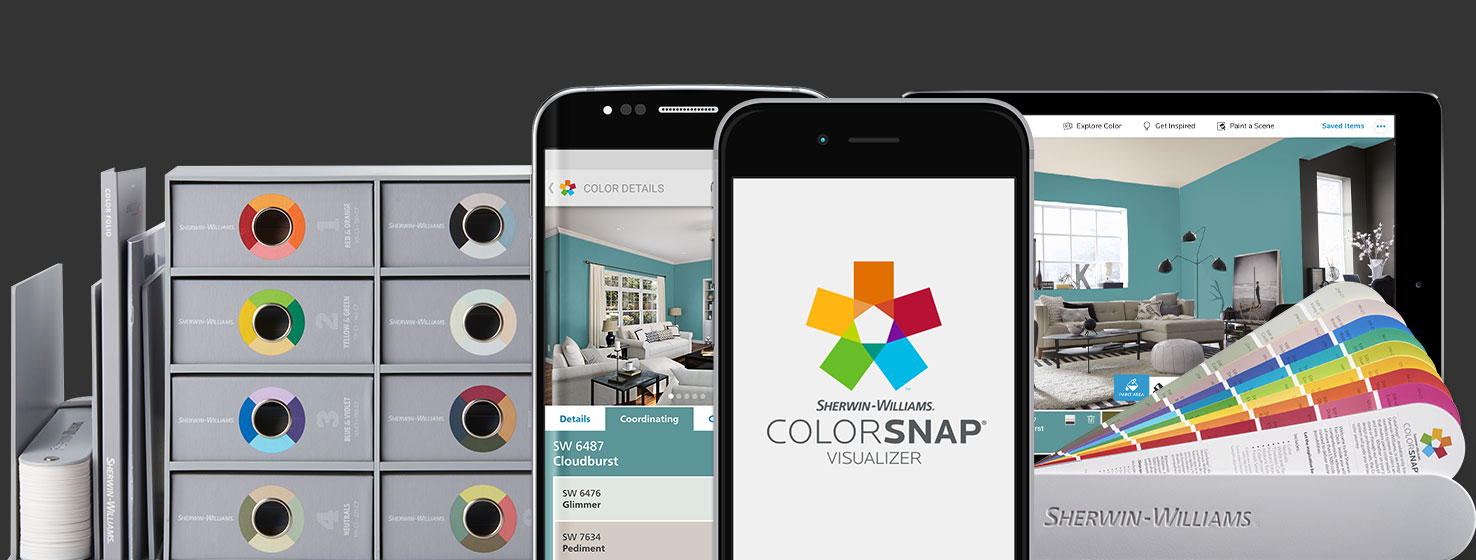
Make your job easier with the best professional color selection tools from Sherwin-Williams.
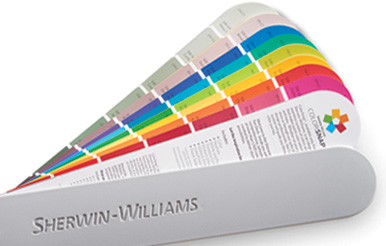
ColorSnap® Fan Decks & Kits
Find our complete palette of colors in the newly redesigned fan deck.
Downloadable Color Palettes
Jump start your project by downloading our Photoshop and AutoCAD palettes.
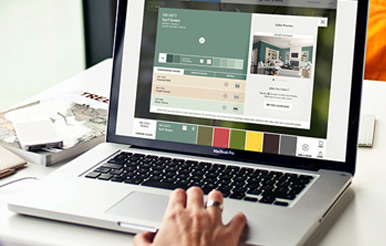
ColorSnap® Visualizer for Web
Explore the endless possibilities of Sherwin-Williams paint. Simply upload a photo or choose one of ours, then drag and drop a color or use the brush to virtually paint your scene.
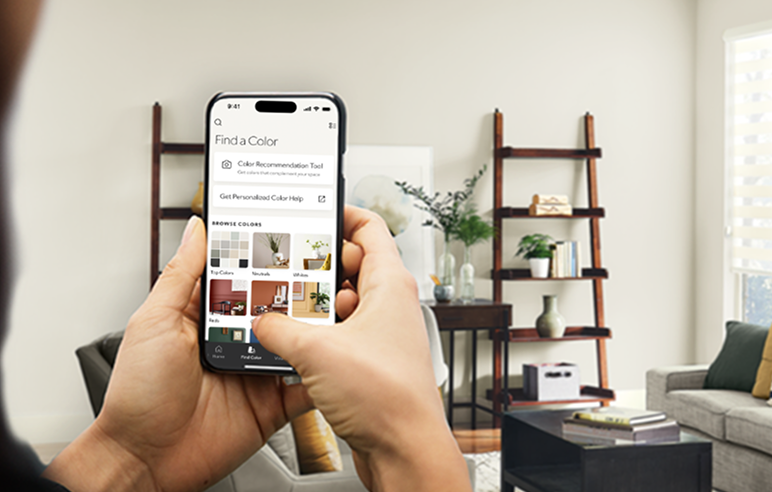
Color Expert App
Instant color recommendations tailored to your space - powered by AI.
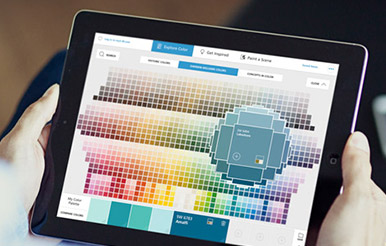
ColorSnap® Visualizer for iPad
ColorSnap® Visualizer for iPad lets you explore over 1,700 colors, find color inspiration from a photo or virtually paint your walls. All for free on your iPad.
ColorSnap® Precision
Our proprietary technology for delivering exceptional color accuracy and consistency in our paints. From initial product formulation to final tinting, ColorSnap® Precision provides you with a level of gallon-to-gallon color control that you can only get from Sherwin-Williams.
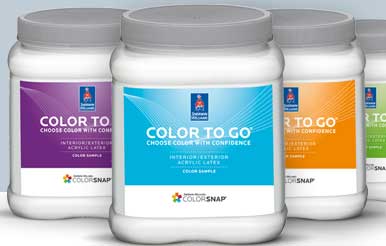
Color to Go®
Sample a wide variety of colors and a broad range of custom tints. Each covers approx. 75 square feet.

The Snap It™ Button
The Snap It™ button lets you instantly turn any image into a color palette made from more than 1,700 Sherwin-Williams paint colors; even your own desktop images can be uploaded to help you find your perfect colors.
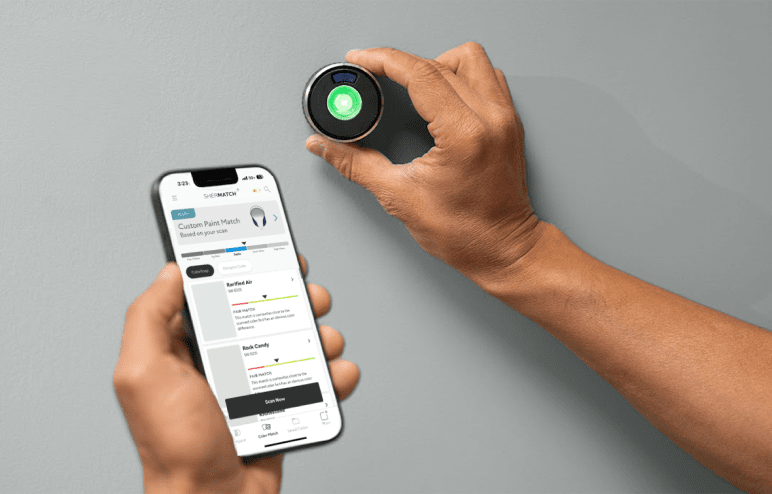
Sherwin-Williams SherMatch+®
Match color and sheen with speed, accuracy and confidence. No physical samples needed.
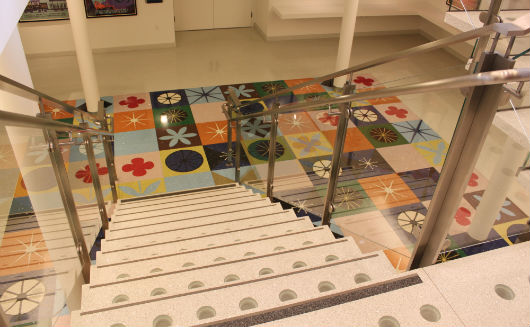
Decorative Flooring Color Selections
View the ceramic carpet blend selector and order Terrazzo samples here.